

Why The Sims 4 (Vanilla) stutters
Vanilla Sims 4 (without massive CC or custom script folders) is highly optimized and runs perfectly on casual hardware. However, running the game on budget laptops with only 4GB/8GB of RAM causes micro-stuttering during speed-3 gameplay as the engine struggles to process background neighborhood tasks.
What RAM kit to buy
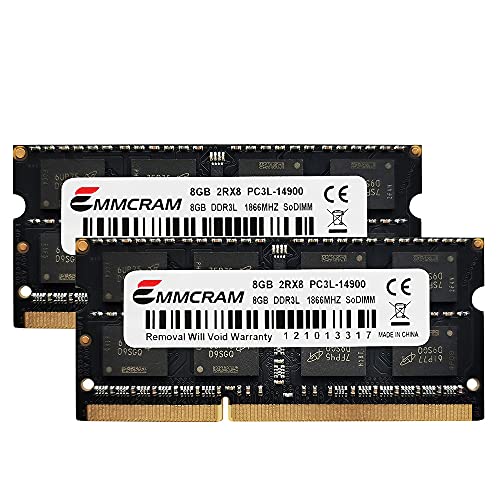
For The Sims 4 (Vanilla), shop matched dual-channel SO-DIMM kits at 8GB (2x8GB dual-channel) before spending on RGB or extreme CL. Confirm the laptop is socketed — soldered LPDDR handhelds cannot use these SO-DIMM picks; use UMA/swap guides instead of forcing DIMMs into The Sims 4 (Vanilla). Reserve 16GB builds for heavy Life Simulation mod stacks or Custom 64-bit Engine asset packs on The Sims 4 (Vanilla). Live kits below prefer in-stock DDR4/DDR5 modules that clear the 8GB floor for sims-4-vanilla.
Engine, genre & mod notes
The Sims 4 (Vanilla) (Custom 64-bit Engine) still benefits from matched dual-channel SO-DIMM bandwidth when the world streams or sims spike. Simulation/strategy genres scale RAM with entity count and UI mods — plan for the late-game save, not the tutorial island. Mod / extra load: Highly optimized for standard dual-channel memory configurations. 16GB provides plenty of headroom for DLC expansion packs. Released 2014 · Laptop focus · min 4GB / rec 8GB / enthusiast 16GB.