

Why Genshin Impact (Laptop) stutters
Genshin’s Unity client plus launcher overlays compete with Windows on thin laptops. Single-channel 8GB SO-DIMM configs stutter hard when teleporting into Fontaine or Natlan cities as shaders and voice banks reload.
What RAM kit to buy
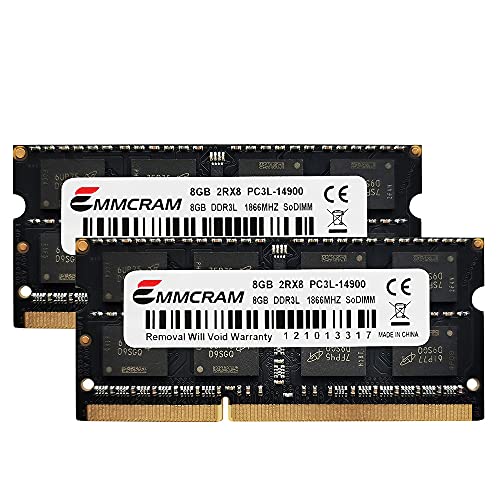
For Genshin Impact (Laptop), shop matched dual-channel SO-DIMM kits at 16GB (2x8GB dual-channel SO-DIMM) before spending on RGB or extreme CL. Confirm the laptop is socketed — soldered LPDDR handhelds cannot use these SO-DIMM picks; use UMA/swap guides instead of forcing DIMMs into Genshin Impact (Laptop). Reserve 32GB builds for heavy Action RPG / Open World mod stacks or Unity asset packs on Genshin Impact (Laptop). Live kits below prefer in-stock DDR4/DDR5 modules that clear the 16GB floor for genshin-impact-laptop.
Engine, genre & mod notes
Genshin Impact (Laptop) runs on Unity — garbage-collection spikes and asset bundle loads show up as hitching when commit charge is tight. Open-world/RPG streaming is the classic false GPU stutter — watch commit charge when entering cities. Mod / extra load: FPS unlockers and reshade stacks increase VRAM/system pressure on iGPU laptops — dual-channel 16GB SO-DIMM is the clean fix before chasing overlays. Released 2020 · Laptop focus · min 8GB / rec 16GB / enthusiast 32GB.