Best ECC UDIMM$3.50/GB
NEMIX RAM
NEMIX RAM 32GB (4X8GB) DDR3 1333MHz PC3-10600 2Rx8 1.5V 240-PIN ECC UDIMM Unbuffered Memory KITDDR332GB (4x8)1333MHz
$111.89
In stock
Compare prices across 1,454 ECC memory modules for servers, workstations, and mission-critical applications requiring error-correcting memory.
Reviewed by C.R. Vinoth Kumar, Founder & Developer · LinkedIn
Typical $/GB
$10.00/GB
Typical kit
$610.82
Modules
1,454
Today's typical Server RAM Prices price is $10.00/GB across 1,454 tracked modules. Prices are up 1.7% vs 30 days ago. Current pricing sits at the 100th percentile of the past year.
Know your system? RAM Finder · Motherboard QVL · Compatibility checker
Bottom line
Server memory is ECC/RDIMM territory — consumer UDIMM usually will not work. Match your board’s QVL for type (RDIMM vs UDIMM), speed, and rank. Across 1,454 tracked ECC modules, the average is $10.00/GB. Confirm registered vs unbuffered before you buy.
Buy this today
Confirm module type before you buy
Live verified server ram prices deals updated daily.
Prices and availability updated dynamically via Amazon Creators API. As an Amazon Associate, RAM Prices earns from qualifying purchases.
Verify on Amazon.com before purchasing — checkout price applies.Qualified live picks by compatibility segment
NEMIX RAM
NEMIX RAM 32GB (4X8GB) DDR3 1333MHz PC3-10600 2Rx8 1.5V 240-PIN ECC UDIMM Unbuffered Memory KIT$111.89
In stock
NEMIX RAM
NEMIX RAM 1TB (8X128GB) DDR5 6400MHZ PC5-51200 CL52 4Rx4 1.1V 288-PIN ECC RDIMM Registered Server Memory KIT Compatible with ASRock Rack TURIND8HM3 Motherboard$1,488.00
In stock
NEMIX RAM
NEMIX RAM 64GB (2x32GB) DDR3 1333MHz PC3-10600 ECC LRDIMM 4Rx4 1.35V Load Reduced Server Memory KIT$99.89
In stock
Prices updated daily. Product prices and availability are accurate as of the date/time indicated and are subject to change. Any price and availability information displayed on Amazon.com at the time of purchase will apply to the purchase of this product.
Disclosure: As an Amazon Associate I earn from qualifying purchases. Rankings use price and spec data only — not paid placement. How we rank products
Sorted by price per GB — Amazon stock signal preferred
614 listed
Jump to a sweet spot

$1,488.00
$1.45/GB
In stock
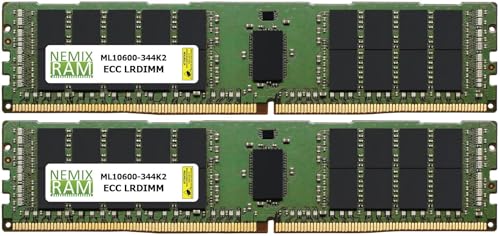
$99.89
$1.56/GB
In stock

$199.89
$1.56/GB
In stock
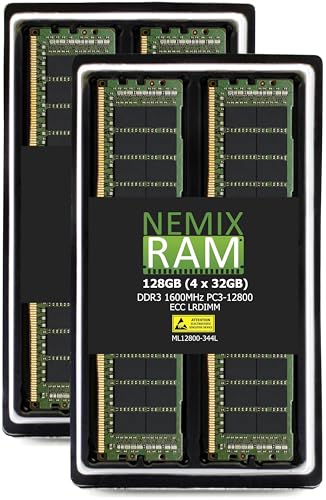
$199.89
$1.56/GB
In stock
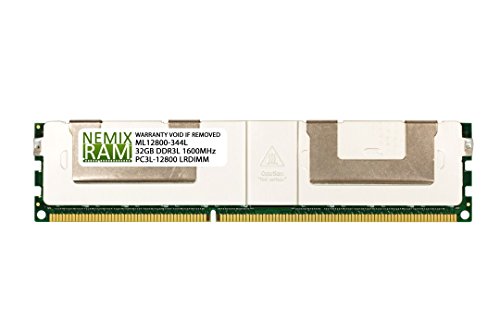
$49.99
$1.56/GB
In stock
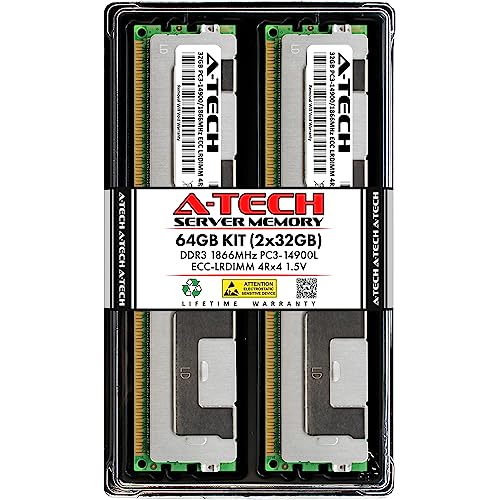
$129.98
$2.03/GB
In stock

$259.96
$2.03/GB
In stock

In stock

In stock
In stock
$68.17
$2.13/GB
In stock

$276.89
$2.16/GB
In stock

$139.49
$2.18/GB
In stock

$34.88
$2.18/GB
In stock
$34.88
$2.18/GB
In stock

$69.89
$2.18/GB
In stock

$289.00
$2.26/GB
In stock

In stock

$19.99
$2.50/GB
In stock

$79.98
$2.50/GB
In stock

$80.00
$2.50/GB
In stock

$80.97
$2.53/GB
In stock

$173.89
$2.72/GB
In stock

$68.00
$2.83/GB
In stock

$47.92
$3.00/GB
In stock

$6,144.00
$3.00/GB
In stock

$48.99
$3.06/GB
In stock

$48.99
$3.06/GB
In stock

$395.00
$3.09/GB
In stock

$98.99
$3.09/GB
In stock

$793.49
$3.10/GB
In stock
$795.00
$3.11/GB
In stock
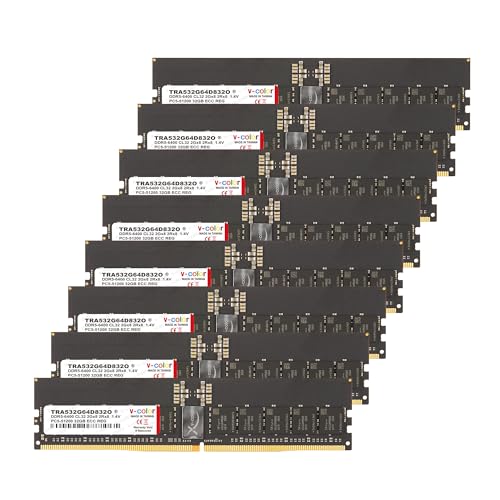
In stock

$198.98
$3.11/GB
In stock

$1,595.00
$3.12/GB
In stock

$24.99
$3.12/GB
In stock

$24.99
$3.12/GB
In stock

$208.75
$3.26/GB
In stock

$52.21
$3.26/GB
In stock
$52.21
$3.26/GB
In stock

$862.32
$3.37/GB
In stock

$217.78
$3.40/GB
In stock

$108.97
$3.41/GB
In stock

$109.99
$3.44/GB
In stock

$111.89
$3.50/GB
In stock
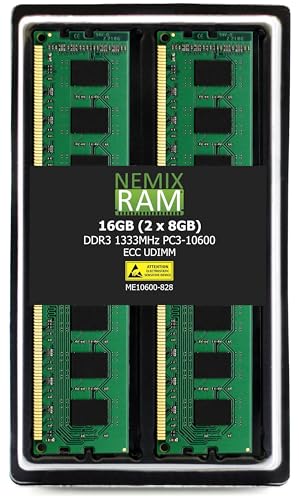
$55.99
$3.50/GB
In stock

In stock

$28.92
$3.62/GB
In stock

$116.00
$3.63/GB
In stock
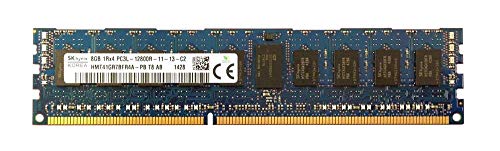
$29.95
$3.74/GB
In stock
Prices updated daily. Product prices and availability are accurate as of the date/time indicated and are subject to change. Any price and availability information displayed on Amazon.com at the time of purchase will apply to the purchase of this product.
Prices updated daily. Product prices and availability are accurate as of the date/time indicated and are subject to change. Any price and availability information displayed on Amazon.com at the time of purchase will apply to the purchase of this product.
Spotted a wrong price or spec? Report a data correction · How we verify data
7d
+0.7%
30d
+1.7%
90d
—
Volatility
0.4%
52w pct
100th
Daily average $/GB — updated every day
Server Memory: ECC, RDIMM, UDIMM, and LRDIMM Explained
Buying context, speed tiers, and platform notes
Server and workstation memory comes in three main variants, each suited to a different use case. Unbuffered ECC (UDIMM) is the simplest — used in entry-level servers, NAS builds, and AMD Ryzen workstations. Registered ECC (RDIMM) adds a register chip that buffers command and address signals, enabling stable operation with more DIMMs per channel — the standard for most rack-mount servers. Load-Reduced DIMM (LRDIMM) buffers both the command and data buses, allowing maximum capacity per socket (up to 3TB on modern Intel Xeon platforms) at the cost of slightly higher latency.
The most important rule when purchasing server RAM: never mix RDIMM and UDIMM in the same system. They are electrically incompatible. Always match the exact module type, generation (DDR4 vs DDR5), speed, and rank configuration specified in your server's hardware compatibility list (HCL).
| Type | ECC | Max DIMMs/Channel |
|---|---|---|
| UDIMM ECC | Yes | 1–2 |
| RDIMM | Yes | 2–3 |
| LRDIMM | Yes | 3+ |
| Non-ECC UDIMM | No | 1–2 |
When purchasing server RAM, ensure compatibility with your specific server model. Server memory must match the motherboard's supported type (RDIMM vs LRDIMM), generation (DDR4 vs DDR5), and speed. Mixing different types within a server is not supported. Need help choosing? Read our ECC RAM & Server Memory Guide — it covers RDIMM vs UDIMM, platform compatibility, ZFS recommendations, and whether you actually need ECC.
ECC (Error-Correcting Code) RAM can detect and correct single-bit memory errors automatically. It is essential for servers, databases, and mission-critical workstations where data integrity is paramount. For gaming and general desktop use, ECC is unnecessary and not supported by most consumer motherboards.
Server RAM costs more due to additional ECC chips on each module, higher quality binning, extensive validation testing, and lower production volumes. Registered (RDIMM) modules include an additional register chip for stability at high capacities. Compare live ECC $/GB on this page before assuming desktop kits are a substitute — module type (UDIMM vs RDIMM vs LRDIMM) matters more than sticker price.
It depends on your platform. AMD Ryzen processors generally support unbuffered ECC (UDIMM) on consumer motherboards, though it may not be officially validated. Intel consumer platforms typically do not support ECC — you need Intel Xeon or specific workstation chipsets. Always check your motherboard specifications.
UDIMM (Unbuffered DIMM) is the simplest ECC type — used in entry-level servers and AMD Ryzen workstations. RDIMM (Registered DIMM) adds a register chip that buffers the command and address signals, enabling higher capacity and better stability in multi-DIMM configurations — the standard for most rack servers. LRDIMM (Load-Reduced DIMM) goes further by buffering the data bus too, allowing maximum capacity per channel (up to 3TB per socket on modern Xeon platforms) at the cost of slightly higher latency.
The performance impact of ECC is minimal — typically 1–2% in real-world workloads. The error-checking overhead is handled by dedicated logic on the module and does not meaningfully affect throughput. For any workload where data integrity matters, this tradeoff is always worth it.
For a home NAS running TrueNAS, Proxmox, or ZFS, unbuffered ECC UDIMM is the right choice. ZFS is designed to work with ECC RAM — it can detect and correct silent data corruption that would otherwise go unnoticed. AMD Ryzen (non-X3D) and Ryzen Pro CPUs support ECC UDIMM on most B550 and X570 motherboards, making them a cost-effective NAS platform. Kingston ValueRAM ECC and Crucial ECC UDIMM are the most widely validated options.